

Only stopped sessions
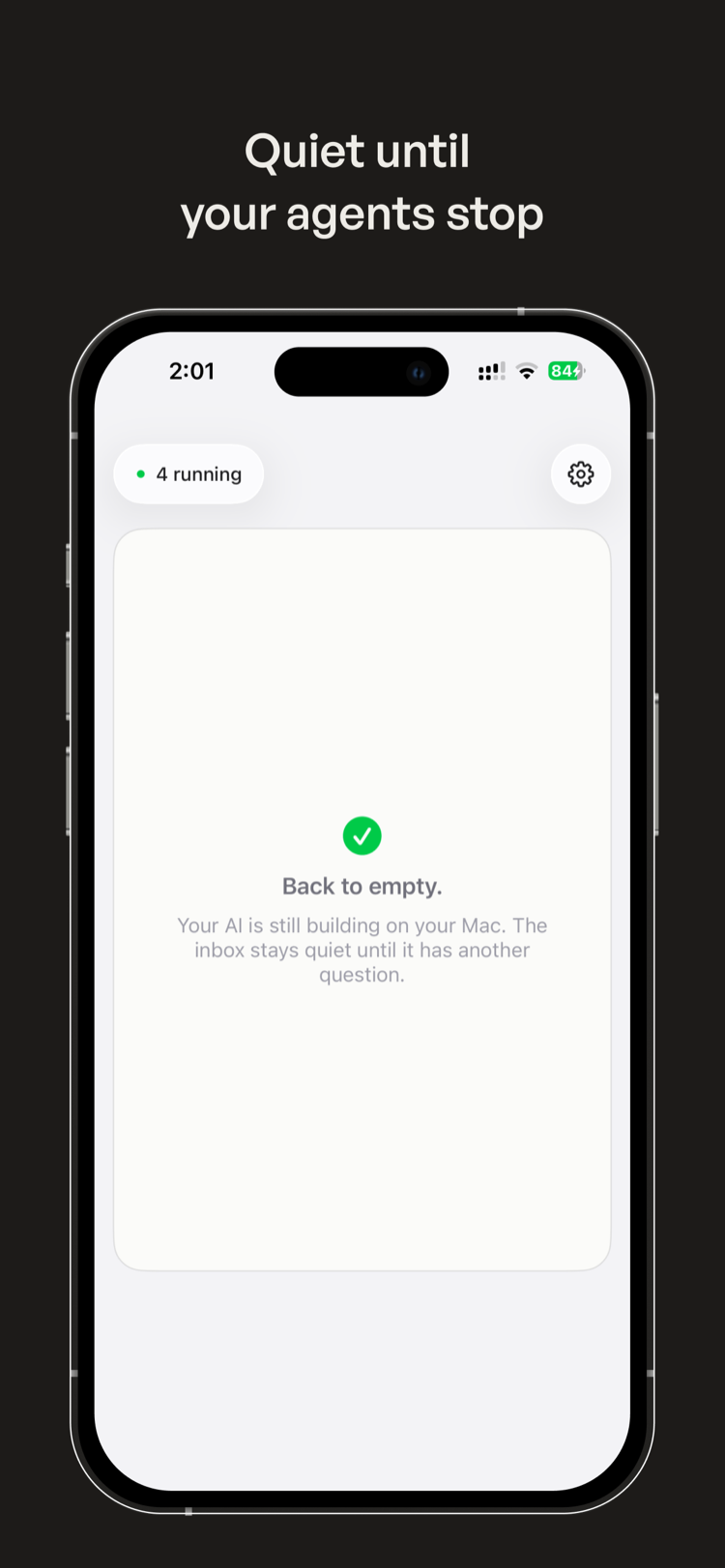
Running agents stay quiet. Steer opens a card when a session needs a decision, answer, or retry.
 Steer
Steer
Steer is a quiet inbox for Codex, Claude Code, and other CLI coding agents. The Mac companion wraps your local sessions; the iPhone app shows a focused card whenever one stops with a question.
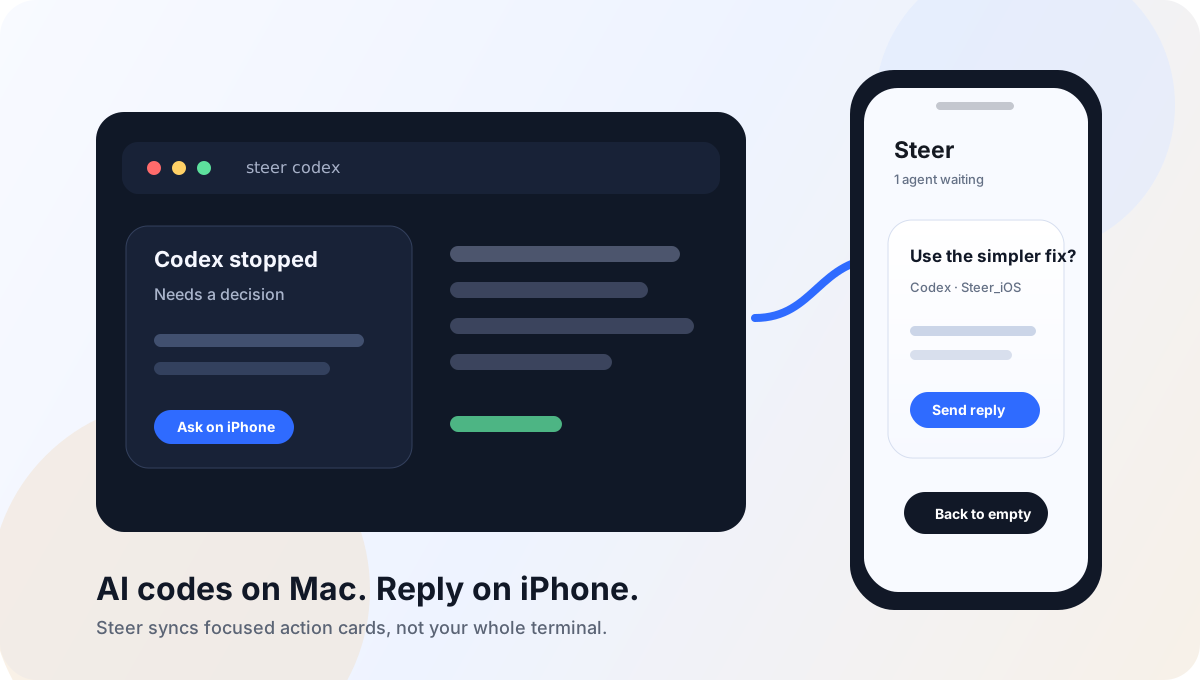
Running agents stay quiet. Steer opens a card when a session needs a decision, answer, or retry.
Answer with a tap or one short line. The Mac wrapper delivers the reply back to the original session.
The phone never runs code, mirrors your screen, or exposes a live terminal. Your work stays on your Mac.
The iPhone app is your inbox. The Mac companion is what makes it light up. Live cards only appear once Steer for Mac is installed, signed in, and wrapping at least one session — the app ships with a local Demo so you can try the loop before pairing.
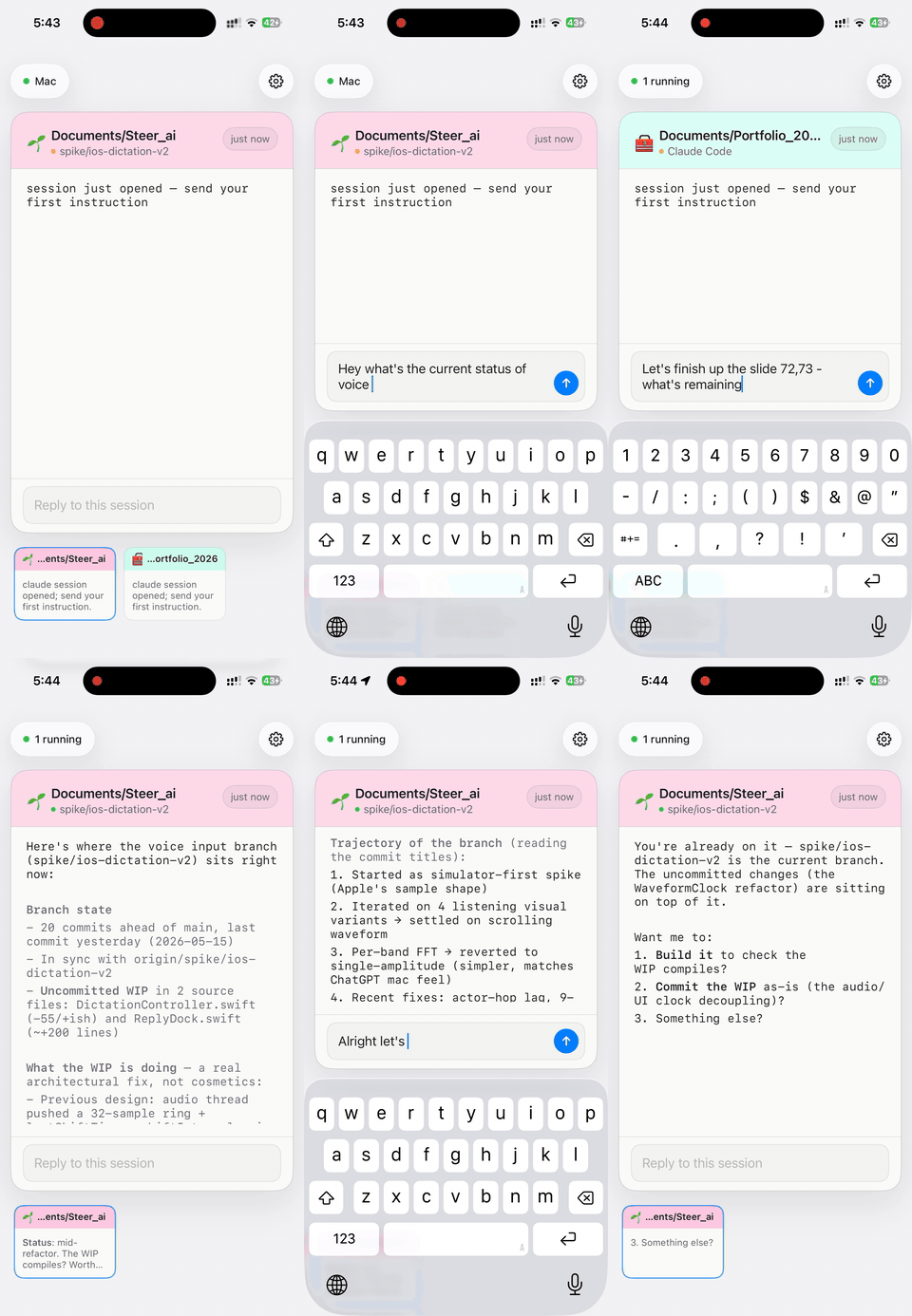
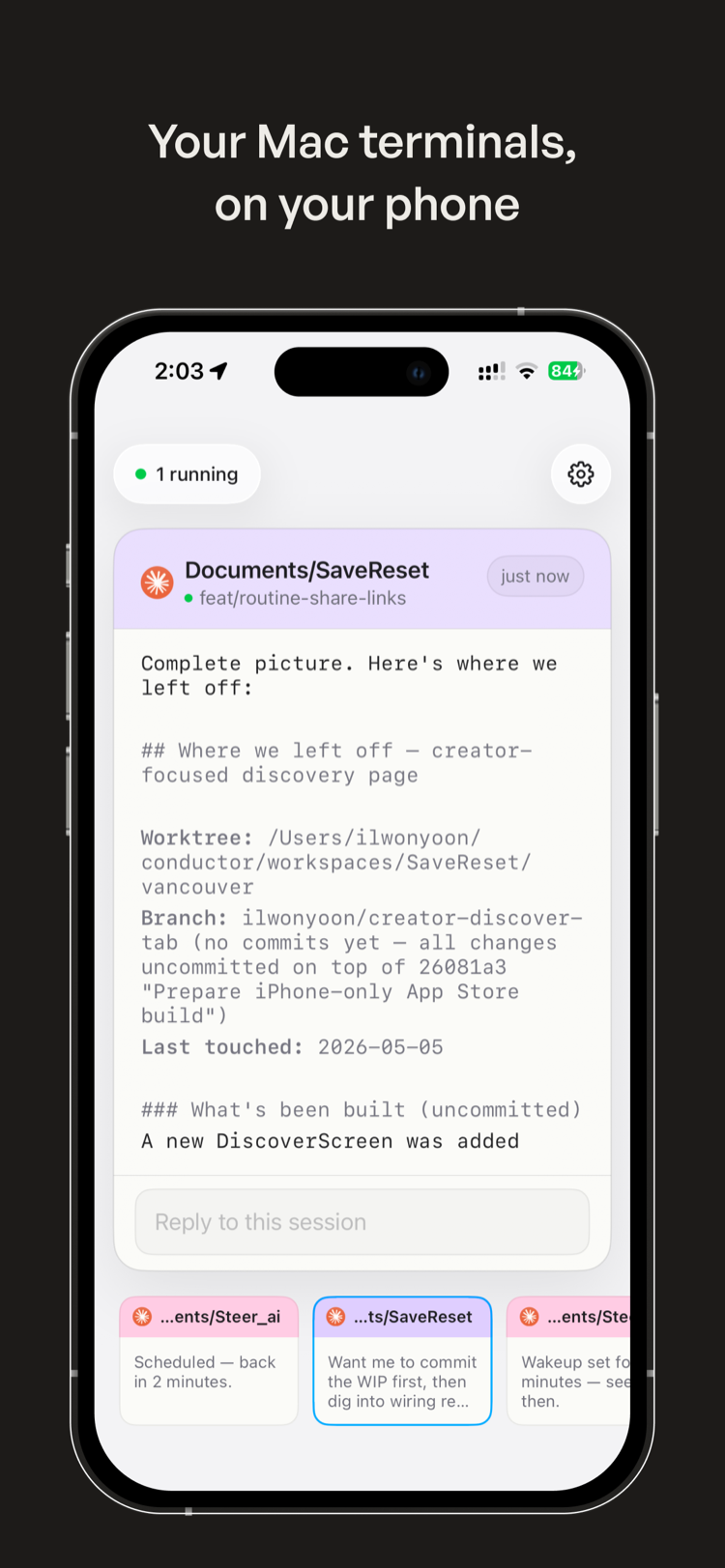
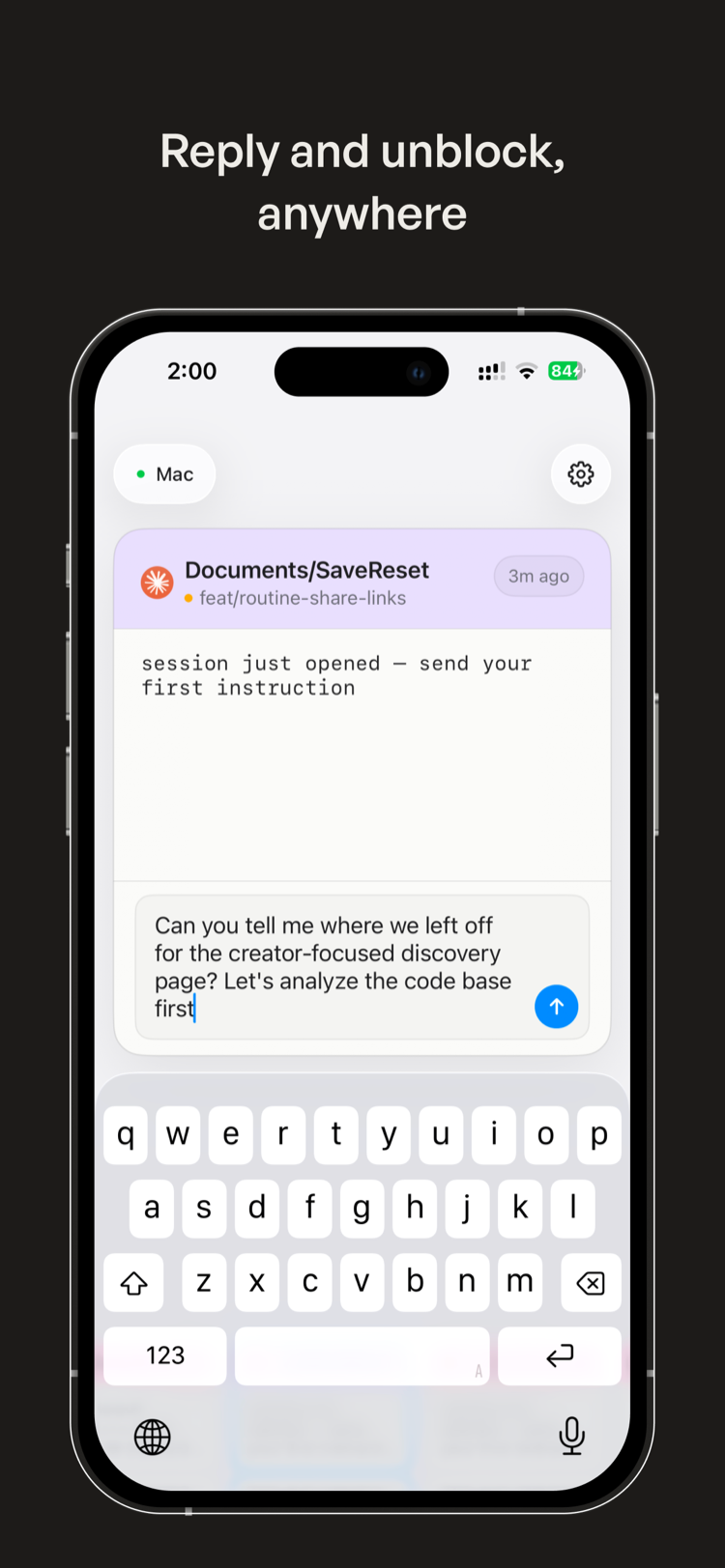
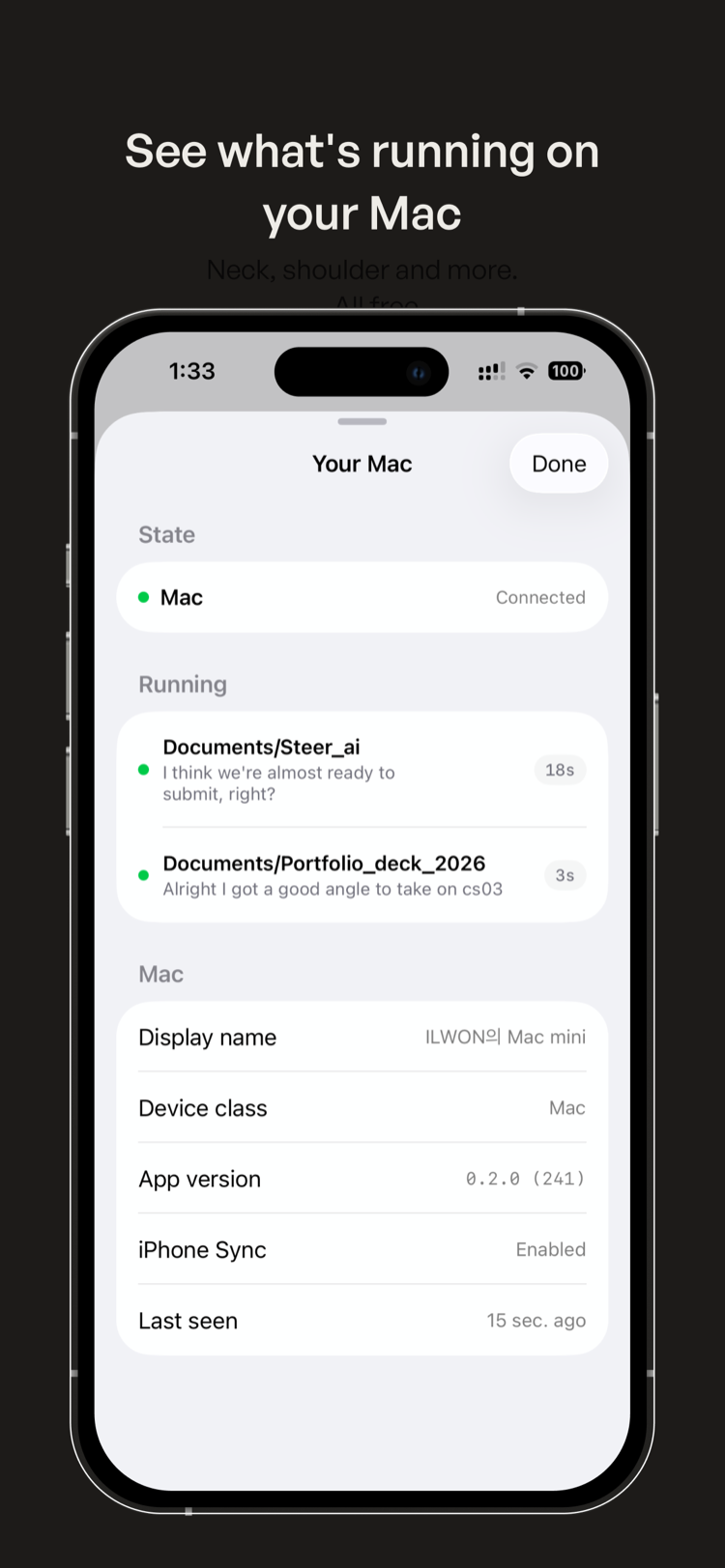
The Mac companion is the source of every live card — it wraps your CLI sessions and owns reply delivery. The iPhone app is the inbox you carry. Install the Mac side first, then sign in on iPhone with the same Apple account.
Download the latest notarized DMG from GitHub Releases, sign in with Apple, and enable iPhone Sync.
Install dependencies from the repo, then launch Codex or Claude Code through the wrapper.
Download from the App Store and sign in with the same Apple account. Try Demo works before you connect a Mac.
git clone https://github.com/ilwonyoon/steer_ai.git
cd steer_ai
npm install
npm run steer -- codex
npm run steer -- claude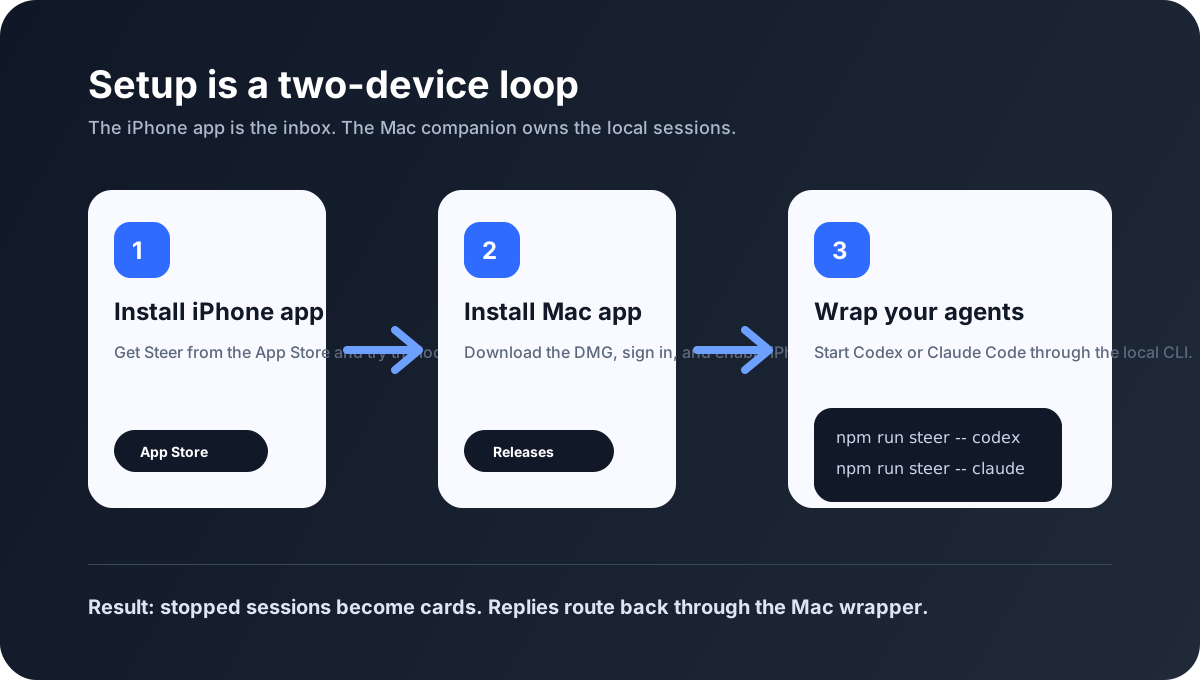
Steer syncs action-card fields, short context excerpts, suggested replies, and delivery status. It does not sync your full transcript, source tree, shell access, or live terminal.
Agents keep running in the terminal where you started them.
The phone sends short instructions back to the Mac session.
iPhone Sync is explicit and account deletion is available in Settings.
Install the iPhone app, download the Mac companion, then start a wrapped Codex or Claude Code session.